> ## Documentation Index
> Fetch the complete documentation index at: https://docs.seshy.lol/llms.txt
> Use this file to discover all available pages before exploring further.
# Getting Started with the Web Dashboard
Navigating to the Web Dashboard is a very critical step to ensuring that the bot is setup before using commands or executing actions that the bot offers.
To navigate to the dashboard, head to [https://seshy.lol/dashboard](https://seshy.lol/dashboard).
If you are logged in, you will be brought straight through to the last server you configured.
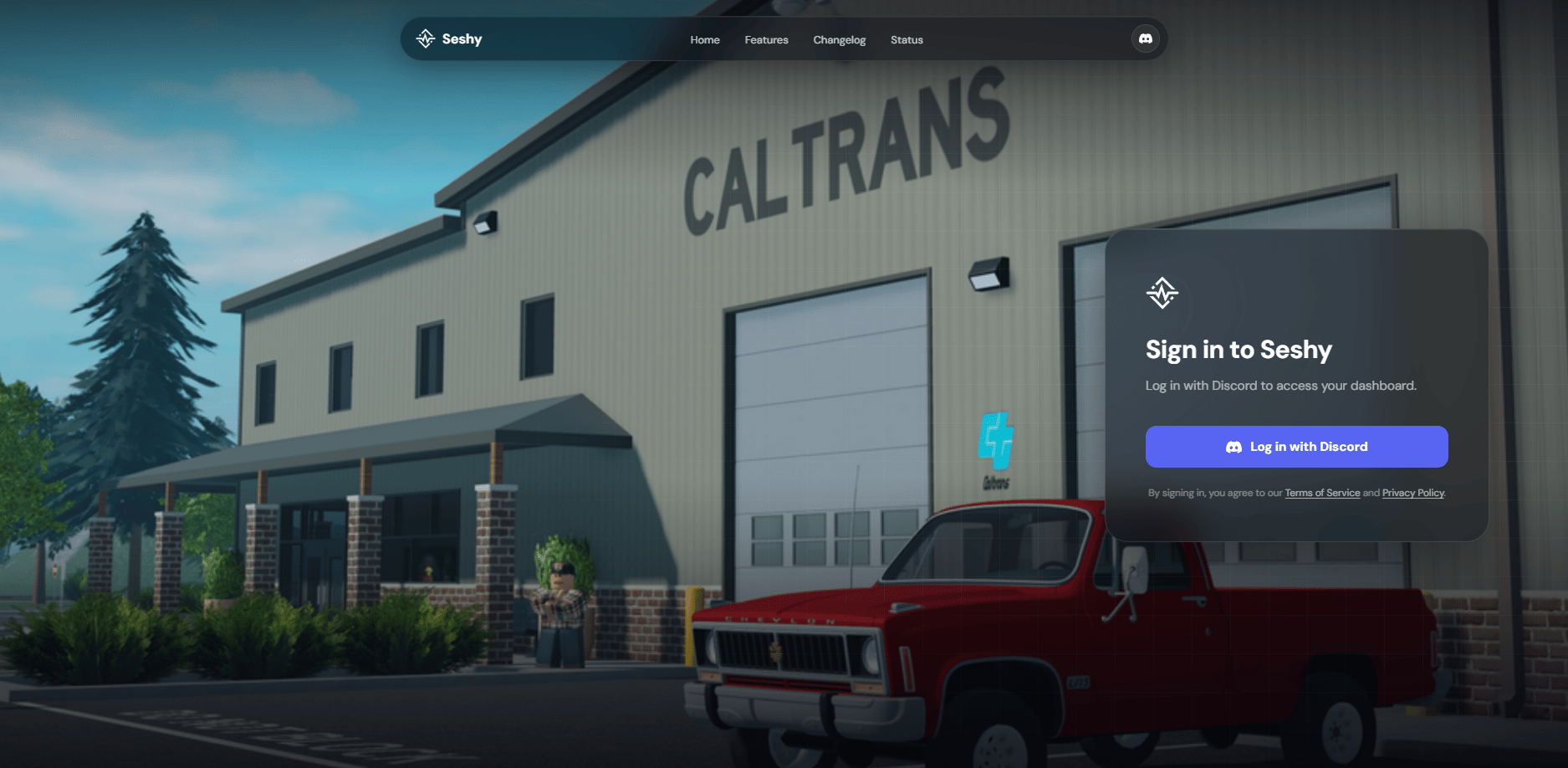 If this is your first time, click on **Log In With Discord**. You will be brought to the Discord OAuth page where you will need to click **Authorise.**
Discord needs you to confirm that Seshy can access your account to know who you are.
We only access your username and avatar to know who you are and build a profile for you so we understand your preferences. We also need your authorisation to see what servers that you are so we can let you modify a server that you have access to edit.
If this is your first time, click on **Log In With Discord**. You will be brought to the Discord OAuth page where you will need to click **Authorise.**
Discord needs you to confirm that Seshy can access your account to know who you are.
We only access your username and avatar to know who you are and build a profile for you so we understand your preferences. We also need your authorisation to see what servers that you are so we can let you modify a server that you have access to edit.
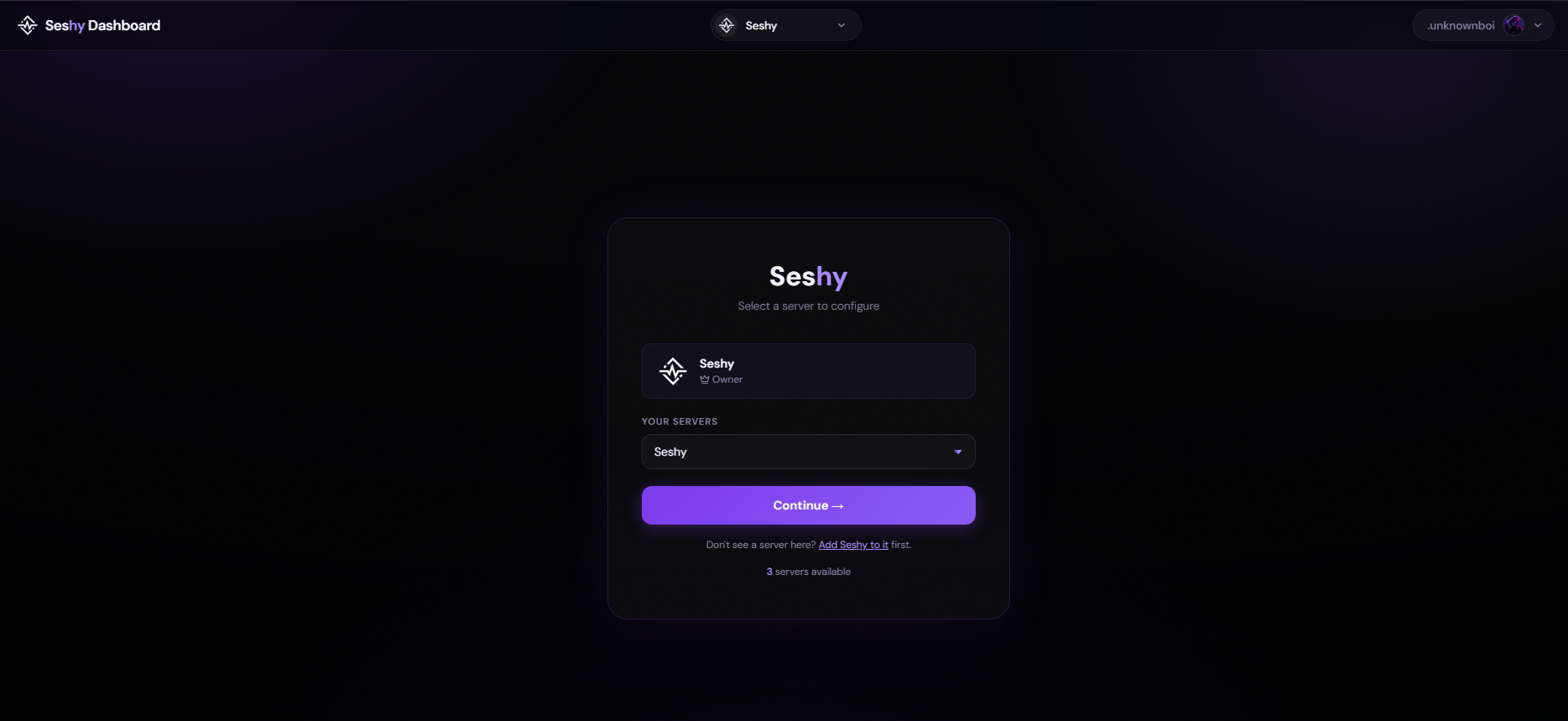 ## Welcome to the Seshy Dashboard!
Here you can choose a server that you own and edit it accordingly. Use the dropdown to change to a server you wanted to edit.
You will need to have **Access**, **Administrator** (if access is not configured)
## Welcome to the Seshy Dashboard!
Here you can choose a server that you own and edit it accordingly. Use the dropdown to change to a server you wanted to edit.
You will need to have **Access**, **Administrator** (if access is not configured)