

If you are logged in, you will be brought straight through to the last server you configured.
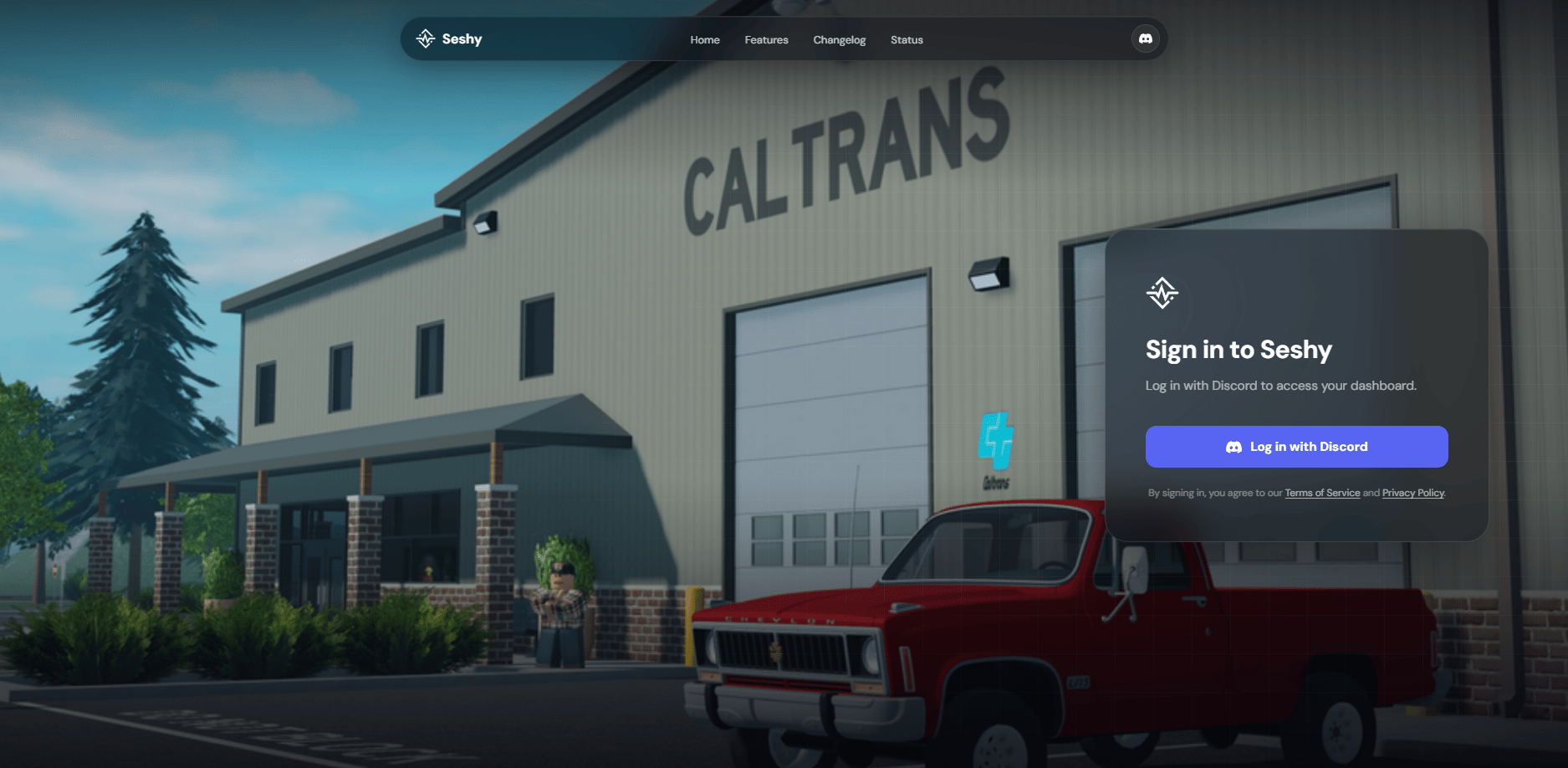
Discord needs you to confirm that Seshy can access your account to know who you are.
/What does Seshy access?
/What does Seshy access?
We only access your username and avatar to know who you are and build a profile for you so we understand your preferences. We also need your authorisation to see what servers that you are so we can let you modify a server that you have access to edit.
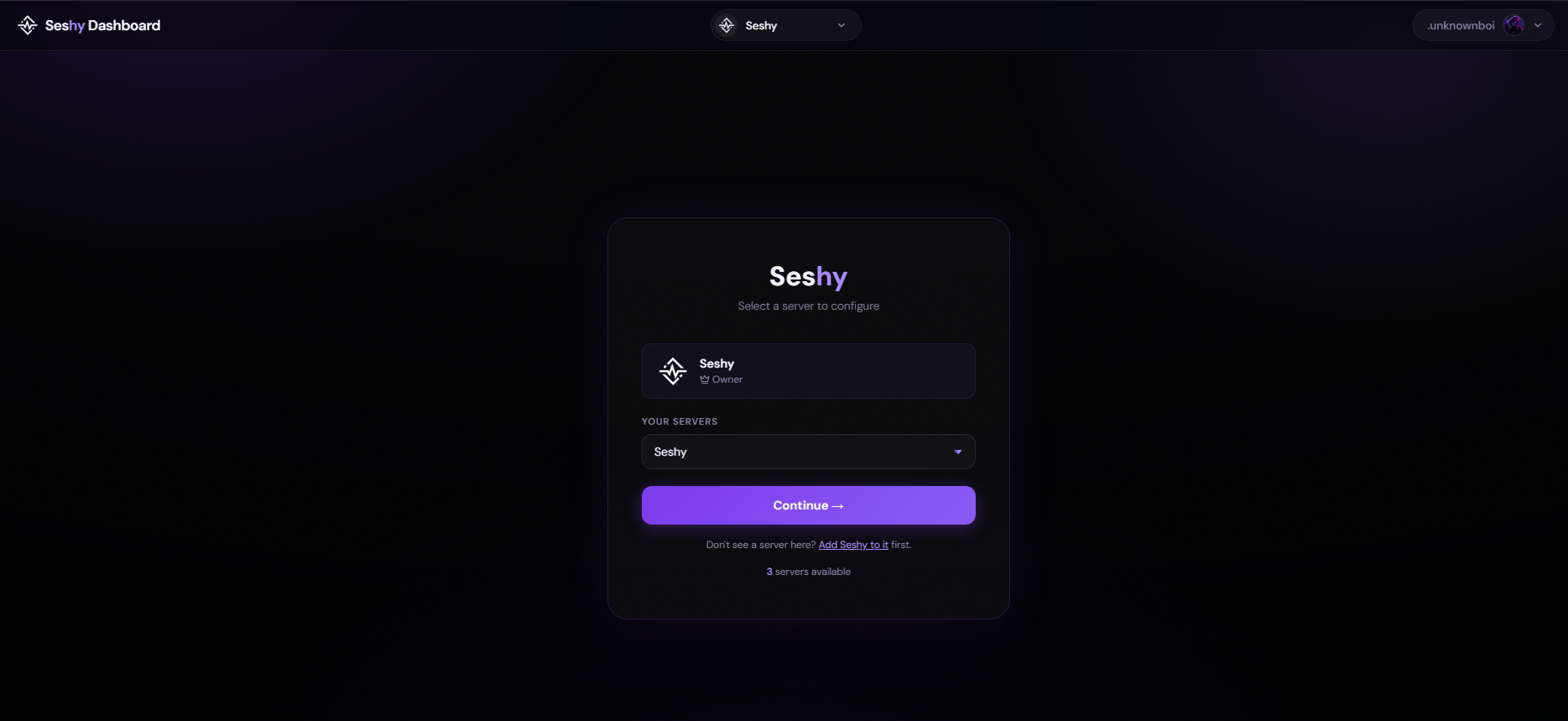
Welcome to the Seshy Dashboard!
Here you can choose a server that you own and edit it accordingly. Use the dropdown to change to a server you wanted to edit.You will need to have Access, Administrator (if access is not configured)